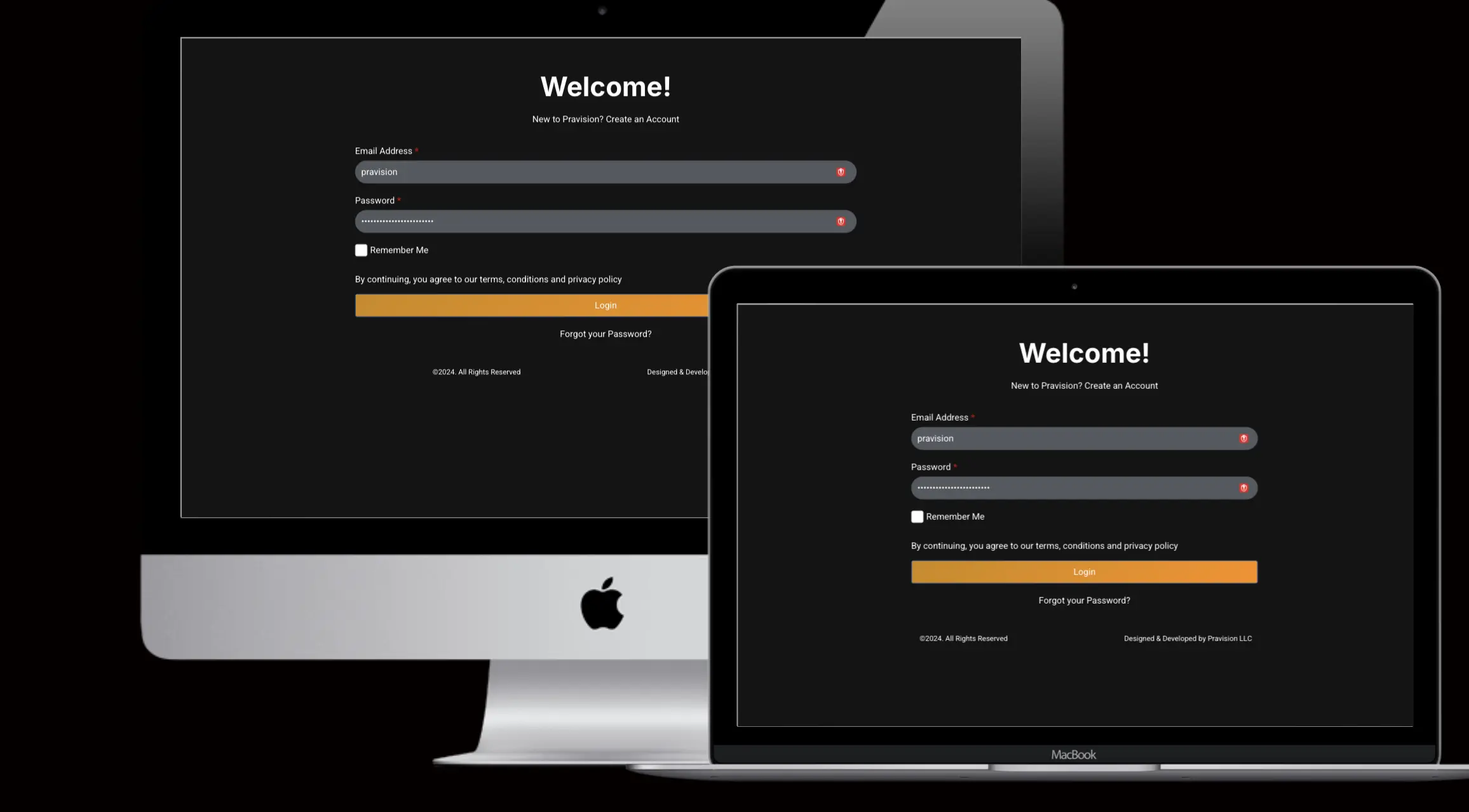

Pravision Client Portal Beta: Take Control of Your Projects!
We’re excited to introduce the Pravision Client Portal Beta! This new platform is designed to streamline your interactions with us and provide easy access to everything you need to manage your projects. But that’s not all – get ready for the General Availability (GA) release on November 9th, 2024, with even more features!
What Can You Do in the Beta Version?
Here are some of the key features you can explore right now:
- Download Paid Invoices: Easily access and download copies of your paid invoices for your records.
- Pay Unpaid Invoices: Quickly and securely pay any outstanding invoices with just a few clicks. Direct links to payment options are provided for your convenience.
- Download Reports: Access and download detailed reports on your projects, including performance metrics, analytics, timesheet reports, and key insights, which are available based on your specific project requirements.
- View Support Tickets: Track the status of your support tickets.
- Project Updates: List of your projects
- Direct Communication: Schedule a call or book an appointment with your Pravision team directly through the portal. You’ll find convenient links for scheduling on your dashboard.
What’s Coming in the GA Release?
On November 9th, we’ll be launching the full version of the Client Portal with these exciting additions:
- User Management: Gain more control over your account with the ability to manage user access and permissions.
- Profile Customization: Update your profile information and easily change your password.
Find Answers Fast!
The Client Portal also includes an FAQ page where you can find answers to common questions. If you can’t find what you need, submit a support ticket by emailing support@pravision.com. We’ll respond with an answer and update the FAQ accordingly.
Why Beta?
Your feedback is essential! By releasing a beta version, we can gather your valuable insights and make further improvements before the official launch. Help us shape the future of the Client Portal!
How to Access the Beta
- Visit https://portal.pravision.com
- Log in with your existing Pravision credentials.
- Start exploring!
We Value Your Feedback!
Share your thoughts, suggestions, and any issues you encounter by emailing us at support@pravision.com.
Join the beta program and help us build the best possible client experience!
SHARE :
Facebook
Twitter
LinkedIn

Written By
Praveena Jogi